What Does Collate Mean When Printing? Collated vs Uncollated
To collate means to gather printed pages into their correct reading order, one complete set at a time. Print 3 copies of a 4-page document collated and you get 1-2-3-4, 1-2-3-4, 1-2-3-4. Print them uncollated and you get every copy of page 1, then every copy of page 2, and so on: 1-1-1, 2-2-2, 3-3-3, 4-4-4.
The "Collate" checkbox in your office printer's dialog does exactly this. In a print shop the stakes are higher, because collated sets usually go straight on to folding, stapling or binding, and a set out of order is a finished piece with the pages in the wrong place.
A booklet, collated
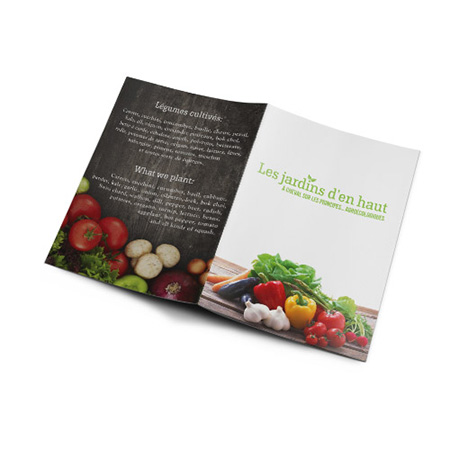
Take 50 copies of a 12-page saddle-stitched booklet. It is not printed as 12 loose pages: it is printed as 3 sheets, each carrying 4 pages, that nest inside one another, are folded in half and stapled through the spine. Collating means each copy's 3 sheets come together in nesting order before folding. Get it wrong and page 5 sits where page 9 belongs. Our booklets run from 8 to 40 pages, in 5.5 x 8.5 or 8.5 x 11 in, and every copy is assembled as a complete set before it is bound.
A notepad, uncollated by design
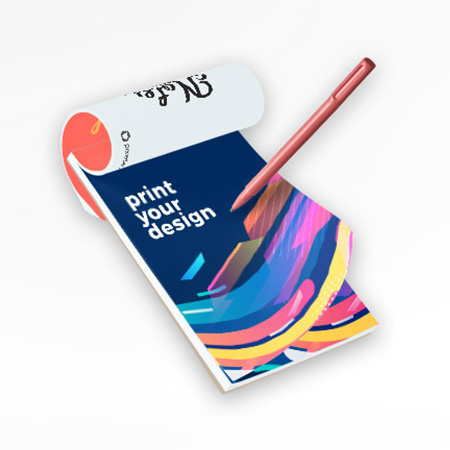
A notepad is the opposite case. Every sheet in the pad is the same page, so there is no reading order to keep: the sheets are printed as one stack of identical pages and bound into pads, 20 or 50 sheets each in our notepads. Uncollated output is also what you want when identical pages are handed out separately, a stack of agendas, or sorted into folders by someone else.
Collated sets for plans and documents
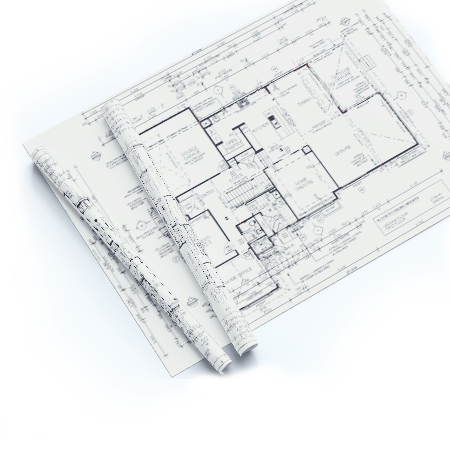
Multi-sheet drawing sets follow the same logic at large format. Our architect plans can be ordered stapled in sets: each copy of the set comes out with every sheet in order and stapled together, ready to hand to a contractor or file with a permit application.
Which one for your job?
Choose collated for anything read as a sequence: booklets, reports, manuals, plan sets, training packs. Choose uncollated when the pages are identical (pads, single-sheet flyers) or when each page will be distributed on its own. When you order a multi-page job, your PDF's page order is the order we collate in, so check it once before uploading.
Common questions
What does collate mean in printer settings?
With Collate ticked, the printer outputs complete copies one after another (1-2-3, 1-2-3). Unticked, it prints all copies of page 1, then all of page 2. For any multi-page document you will staple or hand out as a set, leave Collate on.
Should I print collated or uncollated?
Collated whenever each copy must be read in order, which covers most multi-page documents. Uncollated only when the pages are identical or will be distributed one page at a time.
Are booklet pages collated before binding?
Yes. A booklet can only be stapled or bound once each copy's sheets are together in the right order, so collating is part of producing every booklet, not an extra step you need to request.
Products where this term matters
See also in the dictionary: Saddle-stitch vs perfect binding, Double-sided printing, Paper sizes · full dictionary
Not sure what your file or paper needs? Choosing is part of the job, we advise at 514.844.0388.
Browse products and order